The 10 Best Budgeting Apps of 2026
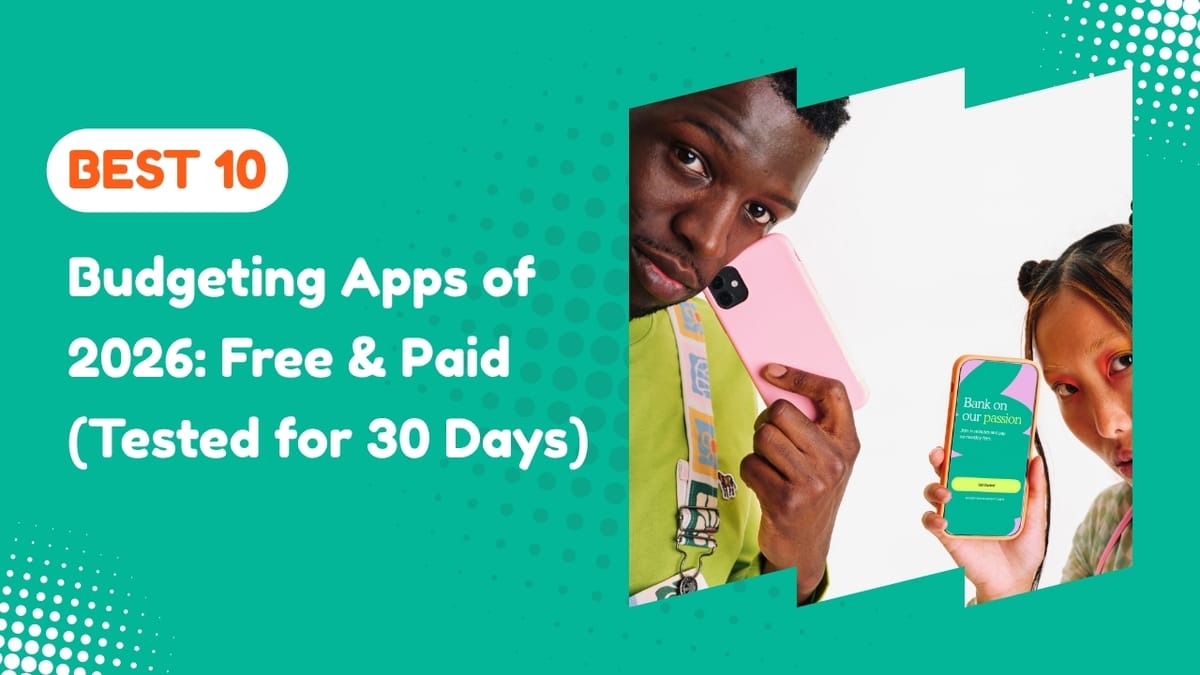
If you've Googled "best budgeting apps" in the last six months, you already know the landscape has changed. Mint shut down in 2024, leaving 25+ million Americans scrambling for a replacement. Since then, a wave of new apps and a few old ones that finally got serious have moved in.
I spent 30 days using every major budgeting app side-by-side: linking real accounts, tracking real spending, importing real CSVs, and bothering real customer support teams. This guide is the honest result.
No "top 10 of anything" filler. Just the apps actually worth installing in 2026.
01 ——Why use a budgeting app at all?
Here's the uncomfortable truth: most Americans have no idea where their money goes. A 2025 Bankrate survey found that 64% of adults can't accurately estimate their monthly spending within $200.
A good budgeting app fixes this in about 15 minutes. It pulls in every transaction across every account, categorises them automatically, and shows you — in one screen — the gap between what you think you spend and what you actually spend.
For most people, that gap is between $300 and $700 per month. That's your emergency fund, your Roth IRA, your debt payoff hiding in plain sight.
"You can't shrink what you can't see. A budgeting app is just a flashlight pointed at your spending."
02 ——How I tested these apps
For each app, I evaluated five things:
- Account linking. Did it connect to my Chase, Capital One, Fidelity, and Ally accounts without breaking every three days?
- Categorization accuracy. When I bought groceries at Trader Joe's, did it tag the expense correctly or call it "Entertainment"?
- Budget flexibility. Could I build a budget that matched how I actually live, not a generic template?
- Insights & reports. Did the app tell me something I didn't already know?
- Price vs value. Was the paid tier worth it, or could I do everything in the free version?
Below are the only ten apps that survived the month. Ranked by who they're best for, not by who pays me the most affiliate commission.
Monarch is what Mint should have become. It's the app that ex-Mint users keep recommending in every Reddit thread and after 30 days using it, I get why. It links to virtually every US bank, syncs cleanly across devices, and the dashboard is genuinely useful instead of "useful for showing you ads."
What sets it apart: customizable categories, joint accounts for couples, investment tracking, and net worth charts that update daily. It's the only app I tested where I didn't feel the urge to spreadsheet my data on the side.
+ PROS
- Excellent UI and dashboard
- Free for partners (shared accounts)
- Strong investment tracking
- Reliable account syncing
– CONS
- No real free tier
- Steeper price than competitors
- Learning curve in first week
YNAB (You Need A Budget) is the only app on this list that will actually change your relationship with moneybut only if you commit to its philosophy. It uses zero-based budgeting: every dollar you earn gets a job before you spend it.
YNAB's own data claims new users save an average of $600 in their first two months and $6,000 in their first year. That number is real if and only if you do the work. It's not a passive tracker. It's a system.
+ PROS
- Genuinely teaches budgeting
- Strong educational content
- Excellent community + free workshops
- Long free trial
– CONS
- Requires manual effort
- Not for passive trackers
- Investment tracking is weak
Rocket Money (formerly Truebill) is the closest thing to a free Mint replacement that exists in 2026. The free version tracks your accounts, categorizes spending, and gives you a basic budget but the killer feature is its subscription detector.
During my test, it found three subscriptions I'd forgotten about — $47/month I was bleeding without noticing. Their bill negotiation feature (paid tier) cut my internet bill by $22/month with one tap. The app paid for itself in week one.
+ PROS
- Real free tier
- Cancels subscriptions for you
- Negotiates bills (50% of savings)
- Beautiful mobile app
– CONS
- Budgeting features are basic
- Free tier nags you to upgrade
- Investment tools limited
If Apple made a budgeting app, it would look like Copilot. The design is genuinely stunning, with clean typography, thoughtful animations, and an AI categorisation engine that learns your habits faster than any other app I tested.
The catch: iOS and Mac only. No Android version. No web access. If you're in the Apple ecosystem and value design, this is your pick.
+ PROS
- Best-in-class design
- Smartest auto-categorization
- Great investment tracking
– CONS
- No Android or web
- No couples/shared accounts
- Premium price
Honeydue is built from the ground up for couples managing money together. Both partners link their own accounts, choose what to share, and can chat inside the app about specific transactions. It's the app that prevents the "what was this $84 Amazon charge?" argument.
+ PROS
- Completely free
- Made for two-person households
- Bill reminders + chat per transaction
– CONS
- No web version
- Budgeting features are limited
- Some bank connections unreliable
Empower (rebranded from Personal Capital) is the best free tool for tracking investments and net worth across multiple accounts. Its retirement planner and fee analyser are genuinely useful. The fee analyser alone showed me $3,400/year in hidden 401(k) fees I had no idea about.
The budgeting side is weaker than dedicated apps, but if your priority is wealth tracking over expense tracking, nothing free beats it.
Get Empower Free →If you're following Dave Ramsey's Baby Steps, EveryDollar is the official app of that ecosystem. It uses zero-based budgeting (like YNAB) but with Ramsey's debt-snowball framing baked in. The free version requires manual transaction entry; the premium ($79.99/year) adds bank syncing.
Get EveryDollar →PocketGuard's signature feature is "In My Pocket" a single number that tells you exactly how much you can safely spend after bills, savings goals, and essentials. For chronic overspenders, this is the only metric that matters.
Get PocketGuard →If your grandma kept cash in envelopes labelled "Groceries," "Gas," "Fun", Goodbudget is the digital version. No bank syncing (a feature, not a bug, to many of its users). You manually allocate money into virtual envelopes and spend from them.
Get Goodbudget →Simplifi is Quicken's modern, mobile-first answer to YNAB and Monarch. It's affordable, has clean reporting, and the "Spending Plan" feature gives you a real-time picture of what's safe to spend this month. A solid middle-of-the-road choice.
Try Simplifi →03 ——Full comparison table
| App | Price | Best For | Free? |
|---|---|---|---|
| Monarch Money | $14.99/mo | Best overall | Trial only |
| YNAB | $14.99/mo | Serious budgeters | 34-day trial |
| Rocket Money | Free–$12/mo | Cancelling subscriptions | ✓ Free |
| Copilot Money | $13/mo | iPhone design lovers | Trial only |
| Honeydue | Free | Couples | ✓ Free |
| Empower | Free | Investors / net worth | ✓ Free |
| EveryDollar | $79.99/yr | Dave Ramsey fans | Free tier |
| PocketGuard | $7.99/mo | Overspenders | Free tier |
| Goodbudget | $10/mo | Envelope system | Free tier |
| Simplifi | $5.99/mo | Quicken users | 30-day trial |
04 ——How to pick the right app for you
Forget the rankings for a second. Pick based on what kind of budgeter you actually are:
- "I want it all on autopilot." → Monarch Money or Rocket Money.
- "I'm $20K in debt and need a system." → YNAB or EveryDollar.
- "My partner and I keep fighting about money." → Honeydue.
- "I want to see my net worth grow." → Empower (free, hard to beat).
- "I just need to stop overspending." → PocketGuard.
- "I'm cheap — what's the best free option?" → Rocket Money for tracking, Honeydue for couples, and Empower for investors.
"The best budgeting app is the one you'll still be using 90 days from now."
Most people overthink this decision and then never open the app. Pick one. Use it for a month. If you hate it, switch. The cost of choosing "wrong" is tiny the cost of choosing nothing is whatever you'd save by paying attention to your money.
05 Frequently asked questions
What is the best budgeting app in 2026?
Are budgeting apps safe to use?
What is the best free budgeting app?
Is YNAB worth the $109 per year?
What replaced Mint?
Can I use a budgeting app without linking my bank account?
06 ——The bottom line
After 30 days, here's what I'd actually do if I were starting over today:
- Sign up for Rocket Money first. It's free, it'll find subscriptions you forgot about, and it'll show you your spending patterns within 5 minutes.
- If after two weeks you want more control, try Monarch Money (7-day trial) for passive tracking or YNAB (34-day trial) for an active budgeting system.
- Stick with one app for at least 90 days before judging it. The first month is always messy. The second month is when the real numbers start to show up.
The point of a budgeting app isn't to track money. It's to give you back the $300, $500, $1,000 a month you didn't know was leaking out. That's a raise, and you didn't have to ask your boss for it.